
Order management
Your team knows what to prepare and how to hand it over.
For dine-in and delivery, see the items, customer choices and order context. Move preparation forward in the same workspace.
What changes in your daily work
Specific order contents
See the items, quantities and options the customer chose.
Visible fulfillment details
The table guides dine-in service. Delivery information guides orders leaving the business.
Shared preparation steps
Show preparation and readiness to coordinate with your team or courier.
Illustrative example
One service, several orders.
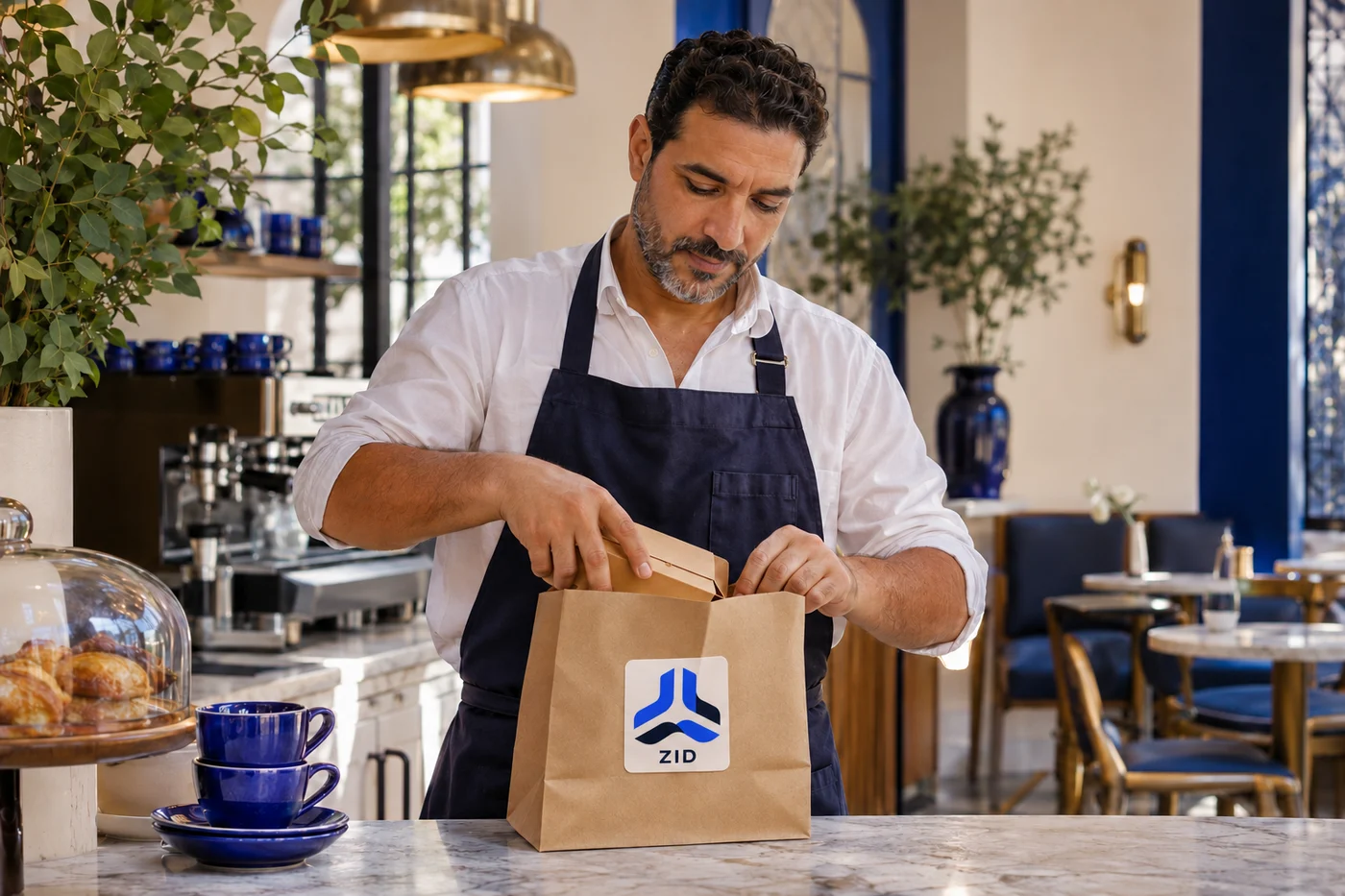
The team can tell the terrace order from the bag waiting for a courier. Items and progress stay attached to each order.
- Table 12
- To prepare
- Delivery B
- Ready for the courier
- Delivery C
- Handover confirmed
From choosing to handover
Review
See the order contents and context.
Prepare
Update the steps in your business workspace.
Hand over
Serve the table or hand the order to a courier.
Your team’s questions
Can I manage dine-in and delivery together?
ZID distinguishes dine-in orders linked to a table from orders being delivered.
Are the customer’s choices kept?
Items, quantities and options stay attached to the order to guide preparation and retain what was requested.
Order management
What would you like to simplify?
Tell us about your business, orders or deliveries.